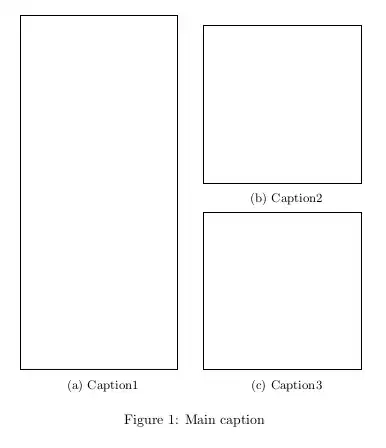
Try the subcaption package. The following code produces the output below.
\documentclass{article}
\usepackage{tikz} % just for the boxes
\usepackage{subcaption}
\begin{document}
\begin{figure}\centering
  \begin{subfigure}[b]{4.2cm}
    \tikz\draw(0,0)rectangle(4,9);
    \caption{Caption1}\label{fig:1}
  \end{subfigure}
  \quad
  \begin{tabular}[b]{@{}c@{}}
    \begin{subfigure}[b]{4.2cm}
      \tikz\draw(0,0)rectangle(4,4);
      \caption{Caption2}\label{fig:2}
    \end{subfigure}\\
    \begin{subfigure}[b]{4.2cm}
      \tikz\draw(0,0)rectangle(4,4);
      \caption{Caption3}\label{fig:3}
    \end{subfigure}
  \end{tabular}
  \caption{Main caption}\label{fig:main}
\end{figure}
\end{document}