I am getting following error while deploying metadata to Force.com Server
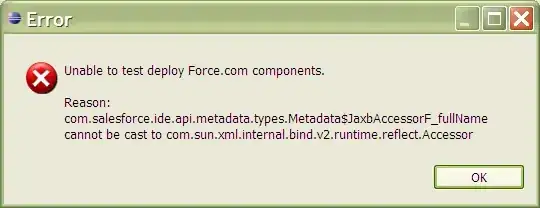
I am getting following error while deploying metadata to Force.com Server

This error is presented (not just during deployments) when Java7 (1.7) is installed. Ran into it myself this morning when trying to set up a new project.
Removing Java7 from the machine so that Eclipse cannot reference it, should revert you back to having just the 1.6 JDK available and you'll be back in business.
Worst case, remove all installed versions of Java and then download & install JDK 1.6 again. If you're running a 32-bit version of Eclipse be sure to install the 32-bit JDK.

launch your IDE with the clean option
“C:\Program Files\MyEclipse 6.6\eclipse\eclipse.exe” -clean

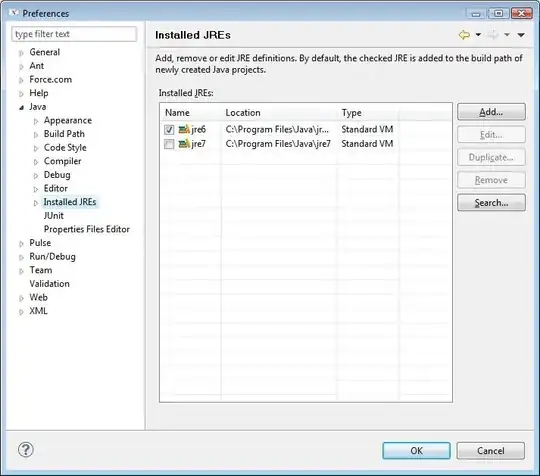
As explained by others this happenns when JRE is updated from 1.6 to a higher version. The way i handle is by going to Window -> preferences in ForceIDE top menu.
You will get a dialog window, Click on Java ->Installed JRE and uncheck jre7. Restart ForceIDE it should work.