Now that 2.68 has introduced a toon bdsf, is it possible to recreate the Gooch shader? Insight, links, or a nodes screenshot would be great.
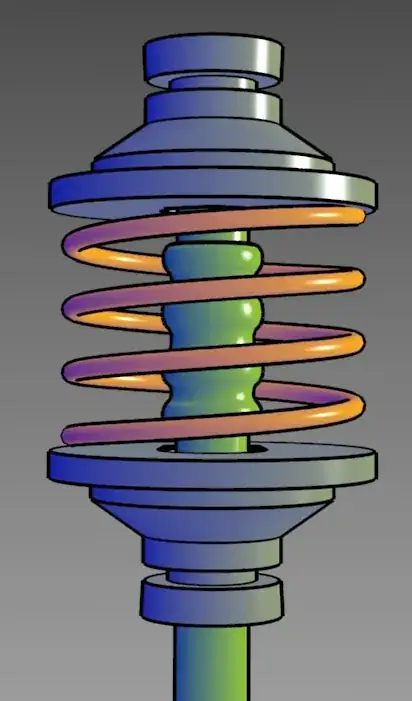
Now that 2.68 has introduced a toon bdsf, is it possible to recreate the Gooch shader? Insight, links, or a nodes screenshot would be great.

Update: Using a model similar to the one in the wikipedia article, I've come up with a complete solution. I also kept my previous attempt included in this post for the comments that refer to it. (Thanks Róbert and gandalf3!)

Follow the instructions below.
Gooch Matte

First, the surface normals from the geometry are combined with a Normal node that manually chooses the direction of the gradient. The dot product of these two vectors is normalized (0 through 1). When dot-product-multiplied against the camera's view vector, the gradient takes on the desired effect. I'm using emission to produce the color and then darkening it down to 10% strength by default (as is described in the paper). The two shaders are added together so that the blue lightens up areas that would otherwise be in complete shadow.


Gooch Glossy

To make a glossy Gooch shader, the Matte is simply added to a Glossy BSDF.


I have a cycles shader that behaves like matcaps. You simply plug in the matcap image to the correct slot. Is it possible that such node setup suits your needs? It renders perfectly smooth around 10 samples. The node setup is complex but I hope it is useful. You could combine it with the freestyle renderer by overlaying the outlines on the cycles render.
Here is a matcap example:
The Cam Down should be usually the real down vector.

The Matcap Coords node-tree:
The multiply nodes use 0.5 and the add nodes use one.

The Cam Normals node-tree:

The Cam Axis node-tree:


