0

When I enter vim and open :terminal I want to :wq or :q without first having to switch to the terminal window and typing exit

Any autocmds for this? Can't seem to find any.

Note:

  • I have the terminal to launch in my .vimrc.
  • qa! etc, doesn't work either, I'll get an error any time I try to quit; 'job running' meaning the terminal.

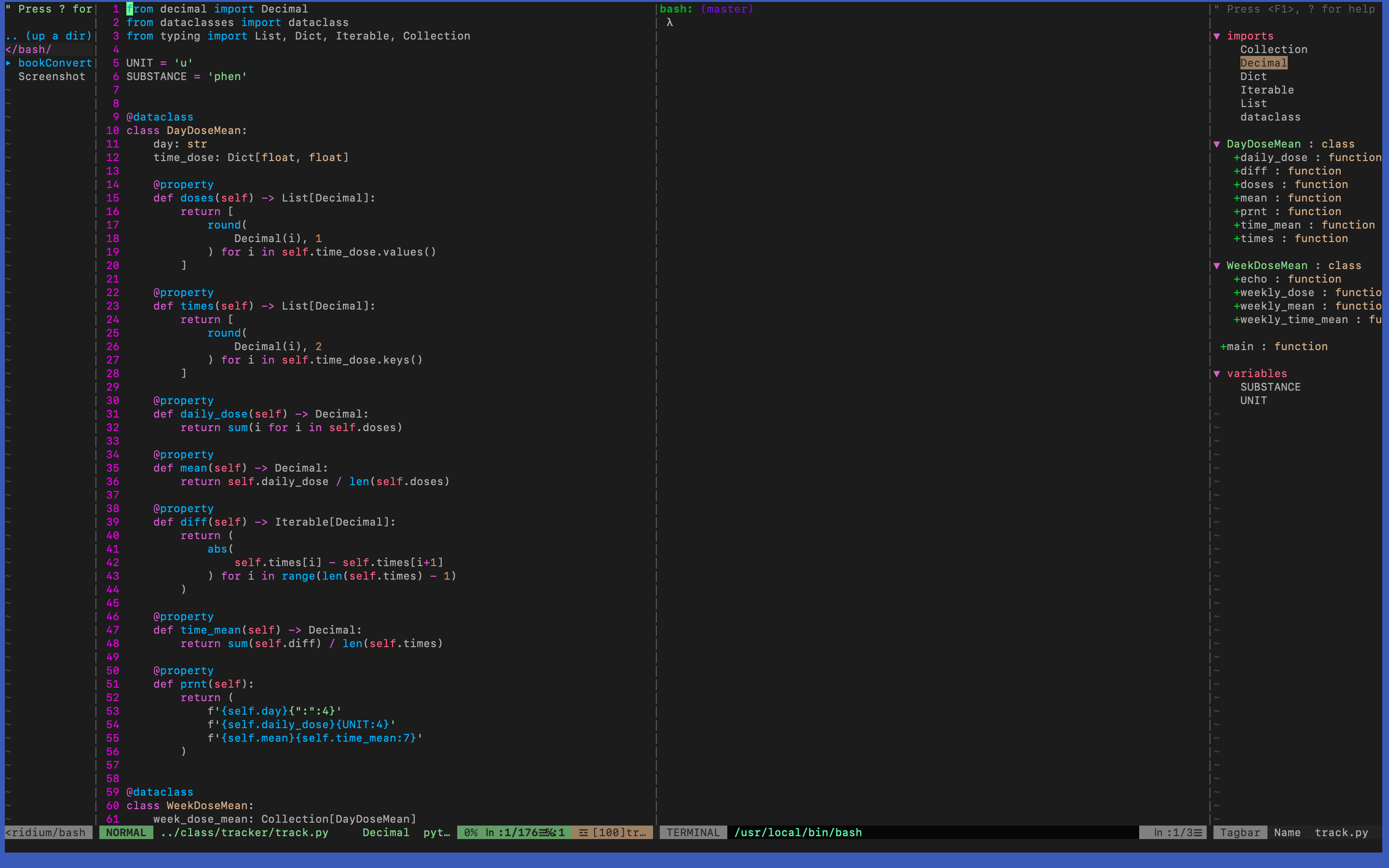
What my vim looks like (for clarity)

vim

Nickotine
  • 202
  • 7
  • doesn't work, says "job running" meaning the terminal – Nickotine Oct 13 '22 at 07:21
  • 2
    Try this: vim --clean "+term" "+qa!". It should exit immediately. If it doesn't, then there is a bug in Vim (my v0.9.57 exits immediately). But if it does work, then your vimrc is the culprit, which you can debug. – 3N4N Oct 13 '22 at 07:37
  • I could have that in my .vimrc as autocmd vimleave * vim --clean "+term" "+qa!", I'll try it, your vim looks ancient, I'm on vim8 :). – Nickotine Oct 13 '22 at 22:06
  • with no .vimrc and just launching terminal I can't get this to work unfortunately – Nickotine Oct 14 '22 at 00:39
  • also tried with a .vimrc with only an autocmd for terminal and the autocmd above you suggested, and yes I sourced .vimrc, also tried on the terminal (outside vim) – Nickotine Oct 14 '22 at 00:45
  • lmao... could it be because I'm on mac? give me a sec I'll test it on my fedora pi – Nickotine Oct 14 '22 at 01:43
  • so that cmd you gave me are you using it as an autocmd? I tried on arm fedora 36 raspberry pi, vim9, with these lines in .vimrc (sourced after): autocmd vimEnter * terminal autocmd vimLeave * vim --clean "+term" "+:qa! didn't work – Nickotine Oct 14 '22 at 02:35
  • @kadekai I think we are using your cmd in different ways... – Nickotine Oct 14 '22 at 02:43
  • also tried as a single line to no avail – Nickotine Oct 14 '22 at 02:48
  • Why are you using an autocmd? Run vim --clean "+term" "+qa!" from your OS terminal emulator, e.g., gnome-terminal, xterm, etc. – 3N4N Oct 14 '22 at 04:26
  • ah ok will get back to you – Nickotine Oct 14 '22 at 06:52
  • this works, much appreciated, can you write it as an answer so I can give credit :)? The only issue is it only works with :qa! I tried doing vim --clean term+:qa,+:wqa,+:wqa!` and it ends up entering vim. Thank you I've had this problem for ages and I'm satisfied. – Nickotine Oct 14 '22 at 07:05
  • even without the colons but thanks a lot, this helps so much @kadekai – Nickotine Oct 14 '22 at 07:14

0 Answers0