Can anyone can help me, my vim always shows the cursorline, like this:
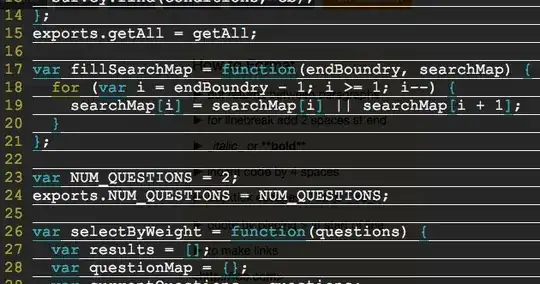
I have set nocursorline in the ~/.vimrc, but it has no effect.
vim version is: 7.4.622
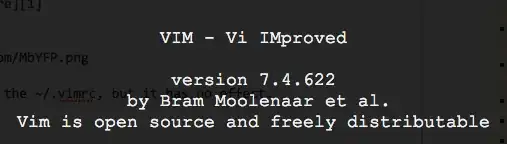
vim is run on OSX 10.10.3, how to remove the white line.
Can anyone can help me, my vim always shows the cursorline, like this:
I have set nocursorline in the ~/.vimrc, but it has no effect.
vim version is: 7.4.622
vim is run on OSX 10.10.3, how to remove the white line.
Maybe it's font problem, not vim. I change my font size from 18 to 19, and it works. You can make it as what I have done. I didn't change the font of vim, I just change the font size of terminal.

guifont.
– statox
May 28 '15 at 09:51
I had the same issue on my OS X terminal on both vim and neovim. Scrolling up showed the cursor lines on all the lines I had moved up. Through a little bit of trial and error, I narrowed it down to the following lines
" highlight current line
set cul
" adjust color
highlight CursorLine ctermbg=LightBlue cterm=None term=None
set bg=dark
Moving the 'bg=dark' line above the cursorline configuration fixed it for me.
set bg=dark
" highlight current line
set cul

" adjust color
highlight CursorLine ctermbg=LightBlue cterm=None term=None

