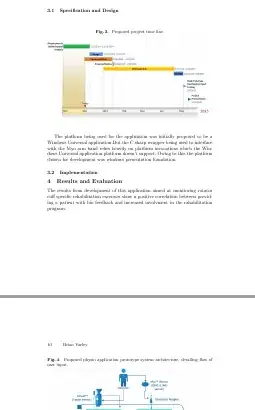
I've placed two figures in the same heading Specification and Design but when I compile the document in TexStudio, the second graphic Proposed physio application prototype system architecture is shown under a different heading Results and Evaluation
Does anyone have any idea as to why?
This is the section of document where I've placed the two figures:
\subsection{Specification and Design}
\label{sec:Specification and Design}


\begin{figure}[h]
\caption{ Proposed project time line.}
\centering
\includegraphics[width=1\textwidth]{initial_timieline}
\end{figure}


The platform being used for the application was initially proposed to be a Windows Universal application.But the C sharp wrapper being used to interface with the Myo arm band relies heavily on platform invocations which the Windows Universal application platform doesn't support. Owing to this the platform chosen for development was windows presentation foundation.


\begin{figure}[h]
\caption{ Proposed physio application prototype system architecture, detailing flow of user input.}
\centering
\includegraphics[width=1\textwidth]{gesture_arc}
\end{figure}


\subsection{Implementation}
\label{sec:Implementation}


\section{Results and Evaluation}
Output:


\usepackage[section]{placeins}. – Johannes_B Dec 18 '14 at 14:40[h]is more or less a request for the figure to go to the end of the document You would have had a warning that latex is changing it to[ht]but using[htp]is better.[h]means that the float is not allowed at top of page (not) or on a page of floats (nop) so it doesn't give latex many options to place it anywhere. – David Carlisle Dec 18 '14 at 14:50\chapternormally does.placeinspackage is probably what you should look for (but[h]is always an error in any case:-) – David Carlisle Dec 18 '14 at 15:01[h]from the param, now it is[tp]. I also included this package as mentioned above\usepackage{placeins}yet the figure still outputs to the incorrect chapter. Any idea why? – Brian Var Dec 18 '14 at 15:55\usepackage[section]{placeins}If you do not want the behaviour globally, you have to manually add\FloatBarrierbefore the next section. – Johannes_B Dec 18 '14 at 16:12