2

I have two bullets in LaTeX as follow.

  • Objective: Maximize f(x).
  • Constraint: f(x)>0.

I would like to do some animations as follow.

First I would like to have:

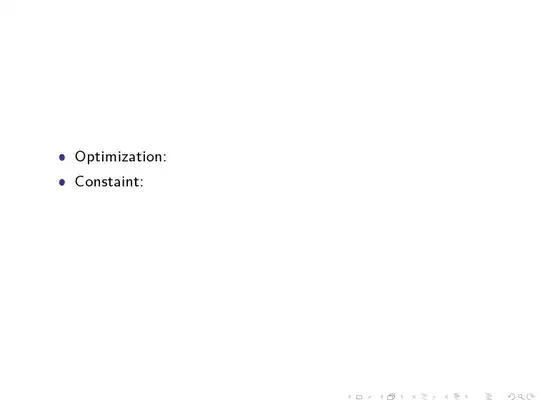
  • Objective:
  • Constraint:

When I click on mouse or the keyboard for first time, I would like to show:

  • Objective: Maximize f(x).
  • Constraint:

Then, when I click for the second time, I would like to show:

  • Objective: Maximize f(x).
  • Constraint: f(x)>0.
Jika
  • 881
  • Adding a minimum working example will encourage people to work on your code. As it is, anyone will have to create a document from scratch. – Nigel Nov 04 '14 at 17:03

1 Answers1

2

Here is one possibility. use of \onlide<x-> or \visible<x-> which means start from frame x and thereafter.

More information onDifferences and best practices: \onslide vs. \uncover, \onslide+ vs. \visible, \onslide* vs. \only?

enter image description here enter image description here enter image description here

\documentclass{beamer}
\begin{document}
\begin{frame}
\begin{itemize}
\item[$\bullet$] Optimization: \onslide<2->{Maximize $f(x)$}
\item[$\bullet$] Constaint:      \onslide<3->{$g(x)>0$}
\end{itemize}
\end{frame}
\end{document}
Jesse
  • 29,686