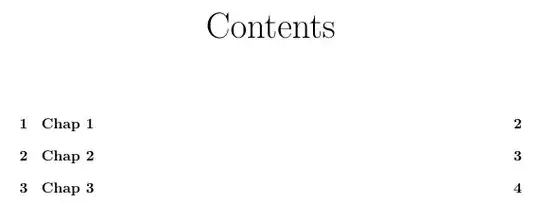
In the past, I believe this technique was used to center the Contents heading in the table of contents via tocloft:
\documentclass{report}
\usepackage{tocloft}

\renewcommand{\cfttoctitlefont}{\hfill \Huge}
\renewcommand{\cftaftertoctitle}{\hfill}

\begin{document}

\tableofcontents

\chapter{Chap 1}
\chapter{Chap 2}
\chapter{Chap 3}

\end{document}
However I recently updated the package to version v2.3f (2013-05-02) and this no longer centers the heading.

How do I fix this? The answers for a related question do not work.


\renewcommand{\cfttoctitlefont}{\hfil \Huge}. Than you don't need any\cftaftertoctitle– Marco Daniel Jun 06 '13 at 20:21\hbox{}to\cftaftertoctitleto make it\renewcommand{\cftaftertoctitle}{\hfill\hbox{}}. Then the title was centered. – christianhaargaard Nov 13 '14 at 20:44