I have accidentally changed my folder name to "D:" and I don't know how. I have tried renaming it using command but no luck with simple rename command in Windows 7. Is there any way to change it?
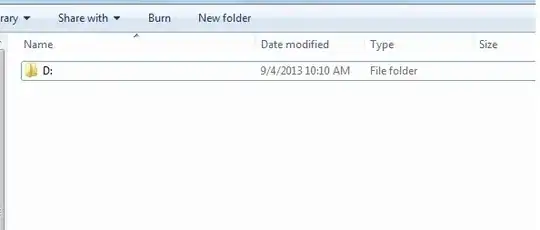
EDIT: Attached image
I have accidentally changed my folder name to "D:" and I don't know how. I have tried renaming it using command but no luck with simple rename command in Windows 7. Is there any way to change it?
EDIT: Attached image


In explorer, select the folder and press F2. Then type in a new name and press enter.
If this doesn't work, copy the content of the folder to a new folder, and delete the old folder.

Use a Linux live cd to delete folder. you can use Ubuntu, Kali linux etc. any of your choice.

delin elevated command prompt – ᔕᖺᘎᕊ Jul 18 '14 at 09:48del "\\?\c:\temp\D:"(after copying out the contents).c:\temp\being the complete path to that directory. Otherwise i'm afraid you'll need to use a live-linux cd to correct this problem. – Rik Jul 18 '14 at 09:58