I know that under Windows there are multiple ways to get an app to autostart but I can never remember what all of those ways are.
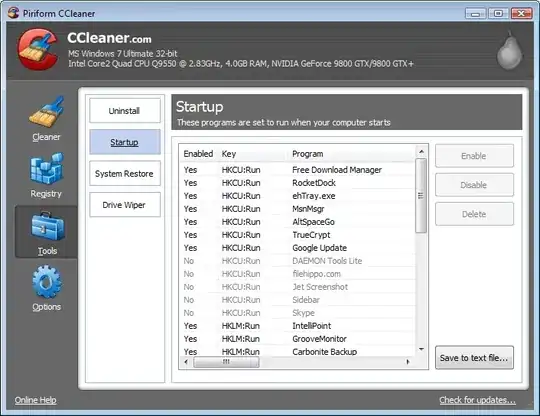
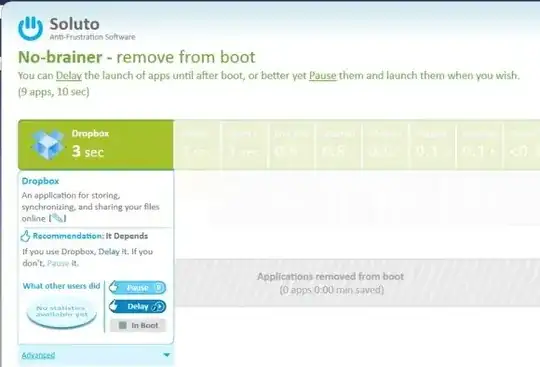
Is there a single unified way to bring up a list of all programs which are set to run themselves at startup and let me disable those I don't want?
I'd prefer something built into Windows. I have Windows 7 Starter. But a free / open source / shareware tool would also be acceptable.
(This time the software I want to prevent from autostarting is: MSN Messenger, Y! Messenger, and Vodaphone Mobile Broadband, which starts whether the dongle is inserted or not. None of these three are in Windows's "Startup" folder.)




autoruns, by the legendary Mark Russinovich and Bryce Cogswell. – David Schwartz Nov 18 '12 at 06:44