I'm looking to edit the Windows TCP/IP hosts file (at c:\windows\system32\drivers\etc\hosts). I'm wondering, what is the best way to do this (on Windows XP)?
Let's say that I want to redirect, say, the site a.com to google.com. I can find the IP address of a.com, but what is the correct way to edit the HOSTS file? I'm thinking of using this syntax:
this.is.ip.address google.com
However, two things:
- Is this the correct syntax? If so, is there a way to do it without having to find the IP address of a.com? Would just putting a.com into where the IP address currently is work?
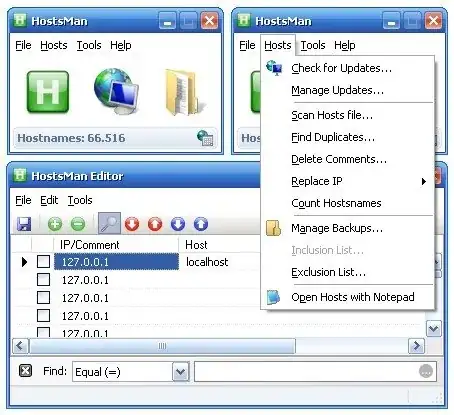
- What is the best way to edit this file? I can't save to it because it is in use. Normally under these circumstances, I would go into Safe Mode and edit it from there, but is there an easier way (I'm thinking of killing some system processes...)?




Hostheader value asgoogle.com- so the webserver behind the different IP address will need to be able to handle that. Just redirecting to e.g. Bing's IP might not work, as their webserver might not acceptHost: google.com. – BennyInc Sep 15 '11 at 12:37