I am looking for a way to enable God-Mode in Windows 8, does anyone know how to do this or is it even possible?
It's a trick that lets you access all system's controls in one folder.
I am looking for a way to enable God-Mode in Windows 8, does anyone know how to do this or is it even possible?
It's a trick that lets you access all system's controls in one folder.
You just do the same on Windows 8.

.{ED7BA470-8E54-465E-825C-99712043E01C} (WITH leading period (.))
– Sylvester
Oct 30 '12 at 04:49
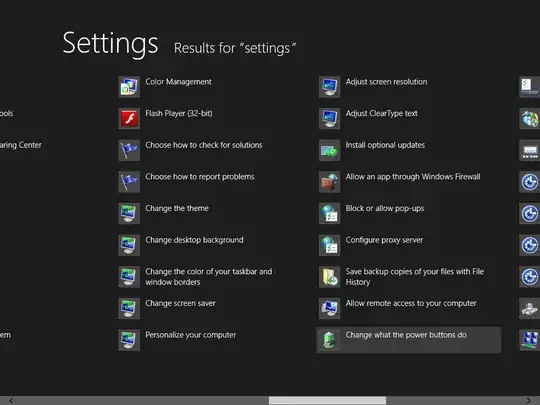
There is a built in God mode, from the Start Screen type settings
you will get a selection on the right, select settings , there will be 90 or more settings available. Use the scroll bar at the bottom to see all of them

.

A lot of Administrative tools can be accessed by pressing Win + X.


