I know there are many screen capturing programs, but is there any free software that can record my desktop activity at 60 frames per second?
Asked
Active
Viewed 3.4k times
9


-
Why do you want to record the actions that take place on your desktop at 60 frames per second when its very unlikely your desktop is even updating that many times to begin with. – Ramhound Mar 12 '12 at 11:37
-
@Ramhound You can't generalize it.. What If there's FullHD video running as his wallpaper. Its just one case. – user79032 Mar 12 '12 at 17:26
3 Answers

2
Yea You can. There is a Screen Recorder called Microsoft Expression Encoder 4. Download and install it and open it. Go to the settings button and it has a fps drop menu. Click on 60. It should work.
Good luck! :D :)

I am a Guest
- 21
-
Is that from Microsoft?, because it sounds like it is but any google attempts show me only third party download sites. – hultqvist Mar 23 '21 at 09:02
1
I0vetried many screen capture software, the only one I found that is actually capable of recording 60fps full screen video (on my computer) is
Microsoft Expression Encoder 4
Install the software, the basic version it's free, just ignore the screen where it ask for a product key (click 'next').
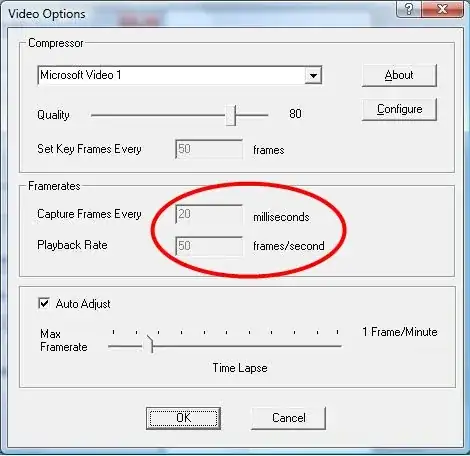
Then start the "Microsoft Expression Encoder 4 Screen Capture", and set it up to record at 60fps (see image)


Max
- 1,089