4

I have noticed that whenever I type things in the text fields of webpages, even when I close Chrome, the text will still persist on reopen.

However while Chrome was opened, I was running some emulators and stuff that basically hog a load of RAM. What happens is that when I come back to Chrome, the text in the text fields are no longer there (the text fields are now empty).

I was wondering how do I recover the text in the text fields?

Pacerier
  • 27,223
  • See also https://superuser.com/questions/231776/how-do-i-see-a-history-of-what-ive-post-ed-in-google-chrome/ – Vadzim Apr 05 '15 at 13:22

2 Answers2

4

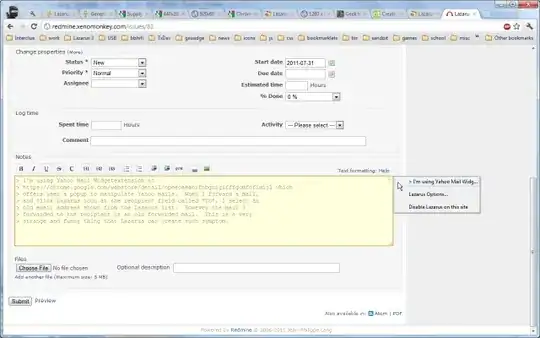
Use the Lazarus form recovery extension. Probably the best option out there.

enter image description here

Gareth
  • 18,809
1

There is no reliable/trustworthy extension that currently does this. Typio Form Recovery and Lazarus both appear to be dead.

img from chrome webstore

Wolf
  • 2,390
  • Typio has also joined the ranks of abandonware. No longer works with current Chrome versions – yosh m Jan 02 '24 at 09:00