How can I synchronize on my computer two different dropbox accounts?
I share one privately and one with my office.
How can I synchronize on my computer two different dropbox accounts?
I share one privately and one with my office.


There is an extensive tutorial here from the guys at MakeUseOf. I shall write it here though:
bashHit enter and insert the next command line:
$ HOME=$HOME/.dropbox-alt /Applications/Dropbox.app/Contents/MacOS/Dropbox &
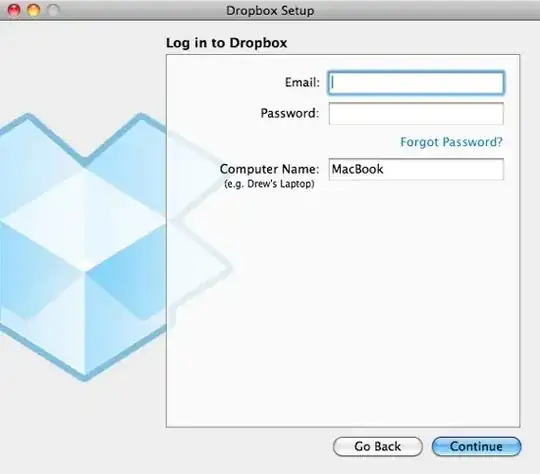
It should now look like:



If you wish to add it as a startup item, the tutorial also shows that.
