1

Suppose I have an image with a table containing several rows, like the periodic table:
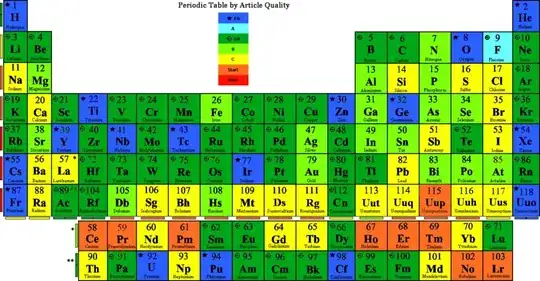
the periodic table

How can I split this into several images: one smaller one containing the H He row, another for the Li Be ... Ne row, and so on?

It's OK if I have to specify the boundaries myself; the solution doesn't have to auto-detect them.

Manually selecting and cutting/copying in GIMP is not an option; I have way too many rows to process.

Burgi
  • 6,551
hlovdal
  • 3,108

1 Answers1

1

ImageMagick, specifically the convert command with the crop option, should be able to help you. Check out the docs at http://www.imagemagick.org/script/command-line-options.php#crop

Note this line:

If the x and y offsets are omitted, a set of tiles of the specified geometry, covering the entire input image, is generated.

I think you might have to add more options to start at the correct offset.

Peter Jaric
  • 2,116
  • 5
  • 28
  • 37
  • I ended up writing a perl script to print out a sequence of crop commands with an increasing y offset. – hlovdal May 20 '10 at 18:25