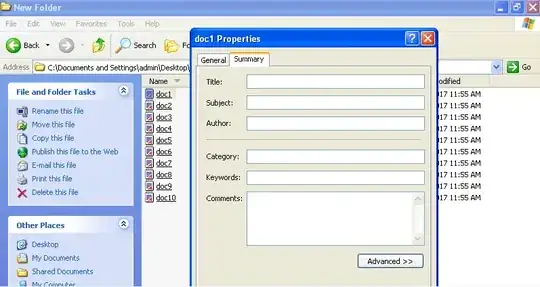
In XP, I could right click on any file, select properties, go to summary tab and I would have some columns to edit, e.g. Title, Author, Category ect.
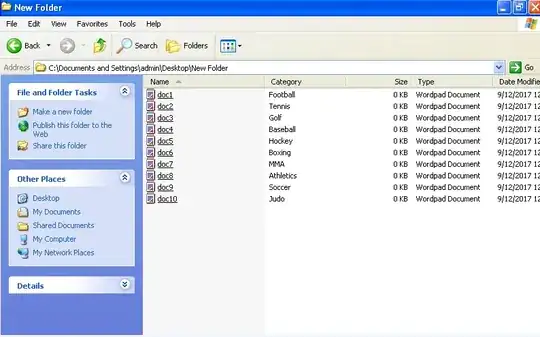
In this example, see images below, I've give each file a category of sport.
I could then right click and select Arrange Icons By Category, and Show in Groups, and all the files would be shown in category groups.
In Win 8.1, when I right click on a file, I don't get the summary view, just General, Security, Details.
I know I can right click in 8.1 and use Sort By and Group By, but how do I edit the column details like Categories ect., as I would have done in the Summary tab in XP?
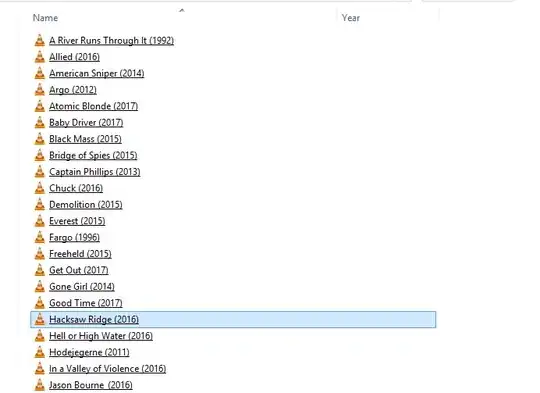
E.g. I might want to add year to these movies: