I have a problem with Microsoft Office 2016 x64 (system Win 10x64) - the drop-down menus (like choosing the font color from the top menu, with small dropdown triangle button) stopped working.
Problem: after opening ANY Office app, when I try to hit any of icons in the top menu to show the drop-down menu, the menu appears for a second and then is gone - remains just a shadowed outline of this menu ... Same story for the right-click menus (like spelling correction) the pop-up menu is simply not appearing.
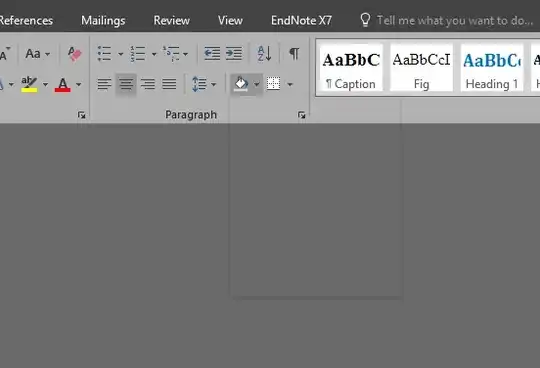
I have tried to do the Office Repair - it helped after reboot for ca. 1 minute, and then same story ... lease help !!!

