I want to add this gif to a GitHub flavored markdown file. If it can't be done in GitHub, is it possible to do it in another version of markdown?
Asked
Active
Viewed 2.5e+01k times
393

-
Possible duplicate of [How to add screenshot to READMEs in github repository ?](http://stackoverflow.com/questions/10189356/how-to-add-screenshot-to-readmes-in-github-repository) or [Add images to README.md on github](http://stackoverflow.com/questions/14494747/add-images-to-readme-md-on-github?rq=1) – Michael Recachinas Dec 17 '15 at 18:40
11 Answers
832
Showing gifs need two things
1- Use this syntax as in these examples

Yields:
2- The image url must end with gif
3- For posterity: if the .gif link above ever goes bad, you will not see the image and instead see the alt-text and URL, like this:
4- for resizing the gif you can use this syntax as in this Github tutorial link
<img src="https://media.giphy.com/media/vFKqnCdLPNOKc/giphy.gif" width="40" height="40" />
Yields:

Khaled Annajar
- 14,364
- 5
- 33
- 44
-
12Please note that if your gif is too large, you will see a bad image box. Smaller gifs will work just fine. – Shubham Chaudhary Jan 04 '18 at 13:16
-
-
1@jibeeeee Thanks to "Rick supports Monica" user. He is the one who added the Cat's image – Khaled Annajar May 17 '21 at 14:05
-
1fwiw, I was able to add a GitHub-hosted gif to a GitHub gist even though the file url didn't end with .gif – savinola May 25 '21 at 04:01
-
@savinola Well that is good. Maybe things have changed. I don't know. That was the case when I wrote this answer – Khaled Annajar Jun 05 '21 at 18:02
-
I seem to have a funny one with it not working at all! does work if I change to a different gif image though. – Dave Jul 31 '21 at 13:10
-
1And just like that, this cat became the most popular placeholder gif across the globe – pitamer Oct 09 '21 at 14:59
125
From the Markdown Cheatsheet:
You can add it to your repo and reference it with an image tag:
Inline-style:

Reference-style:
![alt text][logo]
[logo]: https://github.com/adam-p/markdown-here/raw/master/src/common/images/icon48.png "Logo Title Text 2"
Inline-style:
Reference-style:
Alternatively you can use the url directly:


erip
- 15,290
- 10
- 62
- 113
29
- have gif file.
- push gif file to your github repo
- click on that file on the github repo to get github address of the gif
- in your README file:

example below:


Nhu Phan
- 659
- 7
- 4
-
14It's easier to put it in a repo directory like `/img` and then use `` – Braden Best Jan 30 '19 at 17:12
19
just upload the .gif file into your base folder of GitHub and edit README.md just use this code


Vishal Shelake
- 462
- 6
- 12
12
Giphy Gotcha
After following the 2 requirements listed above (must end in .gif and using the image syntax), if you are having trouble with a gif from giphy:
Be sure you have the correct giphy url! You can't just add .gif to the end of this one and have it work.
If you just copy the url from a browser, you will get something like:
https://giphy.com/gifs/gol-automaton-game-of-life-QfsvYoBSSpfbtFJIVo
You need to instead click on "Copy Link" and then grab the "GIF Link" specifically. Notice the correct one points to media.giphy.com instead of just giphy.com:

Jordan Arnesen
- 363
- 3
- 10
11
Upload from local:
- Add your .gif file to the root of Github repository and push the change.
- Go to README.md
- Add this
 /  - Commit and gif should be seen.
Show the gif using url:
- Go to README.md
- Add in this format
 - Commit and gif should be seen.
Hope this helps.

Sumit
- 704
- 7
- 10
6
Another simpler way is to open your git repository in your browser (chrome), click on edit README.md
then just drag drop your gif/png/jpeg file from your local machine disk and automatically the file will be uploaded and link will be placed in README.md file, like shown below

The file you wanted to be added

Santosh Karanam
- 838
- 9
- 20
3
If you can provide your image in SVG format and if it is an icon and not a photo so it can be animated with SMIL animations, then SVG would be definitely the superior alternative to GIF images (or even other formats).
SVG, like other image formats, could be used with either standard markup or HTML <img> element:

<img src="the_path_to/image.svg" width="128"/>

Mahozad
- 11,316
- 11
- 73
- 98
3
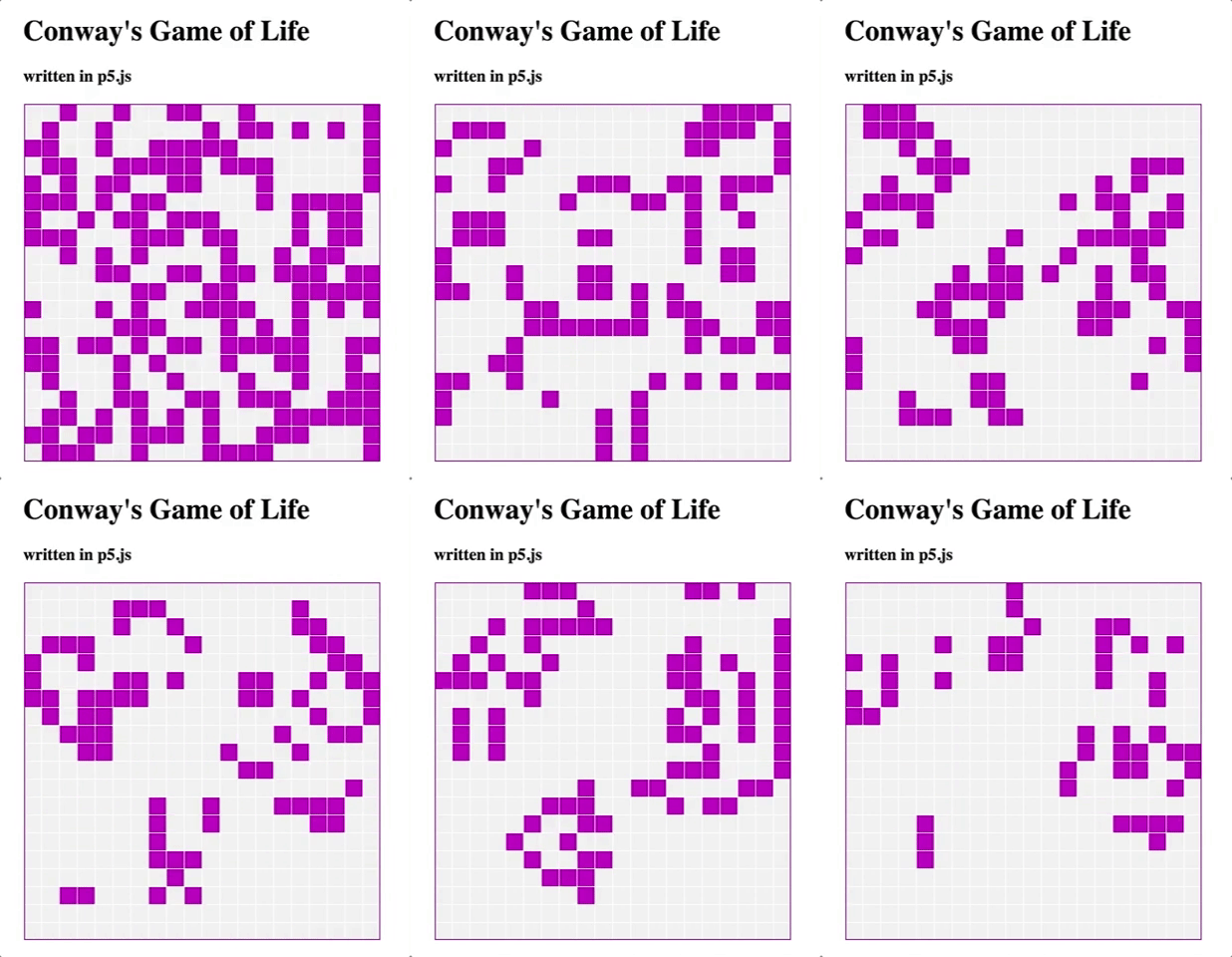
Using HTML's img tag then giving a source url.
<img src="https://...thumbs-up.gif">



Njuguna_nc
- 190
- 1
- 8
1
in addition to all answers above:
if you want to use a gif for your github repository README.md and don't want to address it from your root directory, it's not enough if you just copy the url of your browser, for example your browser URL is sth like:
https://github.com/ashkan-nasirzadeh/simpleShell/blob/master/README%20assets/shell-gif.gif
but you should open your gif in your github account and right click on it and click copy image address or sth like that which is sth like this:
https://github.com/ashkan-nasirzadeh/simpleShell/blob/master/README%20assets/shell-gif.gif?raw=true

kia nasirzadeh
- 2,518
- 20
- 26
1
you can use 
Also I would suggest to use https://stackedit.io/ for markdown formating and wring it is much easy than remembering all the markdown syntax

Faizan.shaikh
- 31
- 5