I would like to find the number of values or commas in a single line of text column. For example if the entry is 1,5 ,10 I would like the count to return 3 (or 2 if counting commas).
I have tried using this logic:
LEN([Probe Numbers]) - LEN(SUBSTITUTE([Probe Numbers],",",""))
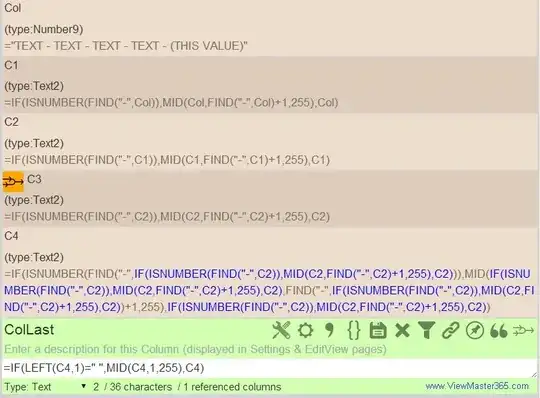
But there is no substitute in SharePoint. I have also tried using this instead of substitute REPLACE([Probe Numbers],FIND(",",[Probe Numbers]),1,""), but that is only replacing the first comma not all, so the value won't be correct when subtracting lengths.
I cannot use InfoPath, trying to do this using just a calculated column