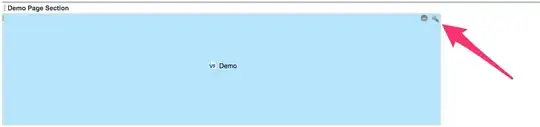
I have the below Visualforce Page component. It works properly but I would like to make it larger on the Account Page Layout. I would like to increase the height on it, but am not sure how to accomplish that.
<apex:page standardController="Account" tabStyle="Account">
    <apex:pageBlock >
        <apex:iframe src="myURL" scrolling="true" id="theFrame"/>
    </apex:pageBlock>
</apex:page>