If I open the QuickWKT plugin in QGIS, and choose "POINT (WKT)" from the combo box, and enter the text,
POINT (30 10)
I get a point at "null island" (0°N, 0°E). The entered WKT appears well-formed to me.
What's going wrong?
Note: this answer includes a screenshot of QuickWKT. My QuickWKT does not look like that; it looks like this:
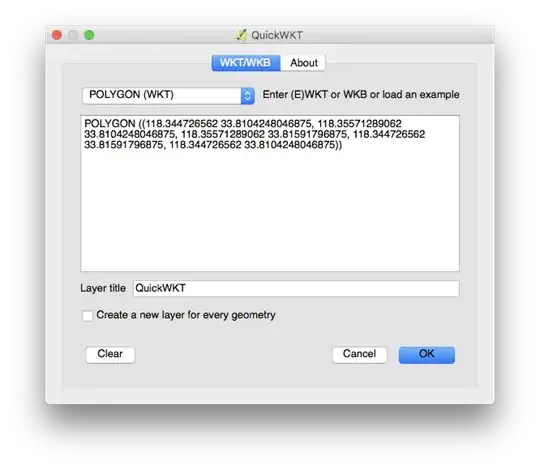
It isn't clear to me as a user why I need to specify POLYGON / POINT / etc. when the WKT itself encodes that. But the examples it has have those keywords, so I presume I'm supposed to enter them as well.


Settings -> Options,CRStab,CRS for new layers, and selectPrompt for CRS. Then you can select the CRS every time when nothing is specified in the data. If you right-click on your point layer, you can adjust the CRS withSet CRS for Layer. – AndreJ Jun 27 '17 at 05:16