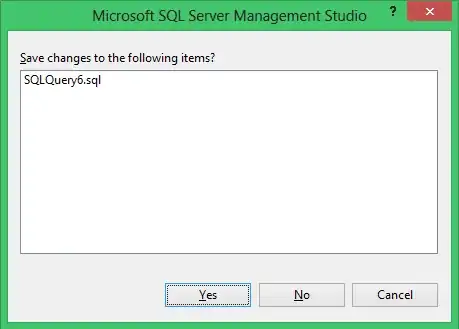
Is it possible to configure SQL Server Management Studio (SSMS). so that the dialog box shown above does not appear when I close an unsaved query window?
Is it possible to configure SQL Server Management Studio (SSMS). so that the dialog box shown above does not appear when I close an unsaved query window?

In SQL Server 2016 this is apparently coming.
The pre-release docs says
New option to skip prompt to save T-SQL files We have added a new option under "Tools|Options|Query Execution|SQL Server" to control if a prompt is shown for unsaved T-SQL files.
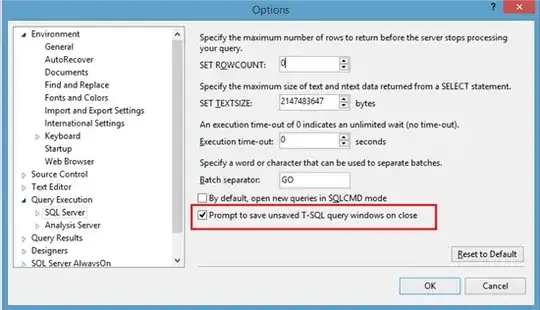
In previous versions there is no setting to suppress this warning.
A connect item was raised about this by Erland Sommarskog and closed as won't fix with the explanation.
Hello Erland -
I did a review with some of the other product teams and to stay consistent within our guidelines we're not going to be able to do this. Excel, Visual Studio and other products won't let you save with changed content, so we have to pop the message.
Thanks!
Buck Woody, SQL Server Program Manager
The Connect page is returning an error at the moment so here is a cached copy of it.

