I'm experimenting with the idea of making a "portfolio" animation that shows some simple scenes and adds text and screenshots of blender's UI so people can see how the animation was made.
The problem I'm having is I tried to incorporate the video from one of my animations by linking the scene into the blend file. When I add the scene to the VSE, it shows up rendered using the aspect ratio of the VSE scene (16:9), not the aspect ratio of the original animation (1:1).
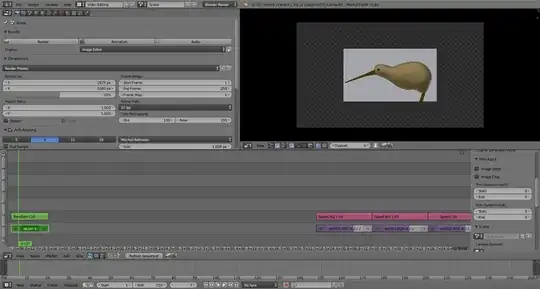
When I browse the properties of the linked scene I can see it is a 384x384 render.

I tried fiddling with "cropping" the strip, but you can't crop by a negative amount. Size effects just resize the incorrect image.
I know I can work around this by rendering the second scene to files and adding those files as an image sequence, but I'd like to build this portfolio scene to render without needing those temporary files.
