7

I`m working on a model for 3d printing. I wanted to make it hollow, so i made a duplicate with Shift+D and wanted to scale it inwards with Alt+S... I expected something like in this question explained: Alt+S and S scaling

scaling with S I get something like that enter image description here
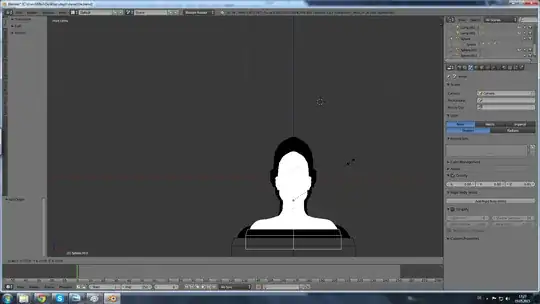
but with Alt+S I get this and cannot scale :( enter image description here

scaling only with S I don't get an evenly thick frame... so I don't know how to solve this.

Thank you in advance and happy modeling :)

Stephanie Platz
  • 399
  • 1
  • 4
  • 12

2 Answers2

6

You are only able to do the Alt-S command while your in edit mode. From what I see in the second picture you posted, your'er in object mode. And for future key commands that don't work just go to the wiki for them, like at the bottom of this page it shows the Alt-S command you were asking about, and that it needs to be used in edit mode.

Tak
  • 6,293
  • 7
  • 43
  • 85
nova nanite
  • 743
  • 2
  • 6
  • 12
1

I would suggest using Solidify modifier, adding 2 more materials to the rim and the internal faces, then apply the modifier, then select the material of outer mesh and hide it and use smooth sculpt brush to smooth the areas ears eyes and the mouth that are poking out through the outer mesh.

Denis
  • 13,059
  • 7
  • 60
  • 81