Do you really have to use an actual cube map with separated top/bottom/front/back/left/right photos stacked around like what you showed there?
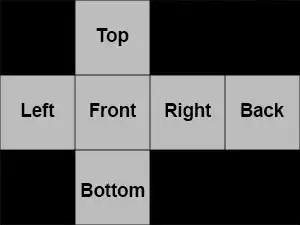
Because making such cube maps usable in Blender is AFAIK impossible to do without OSL (which, I don't know how, and isn't compatible with GPU rendering anyway). So the other way around is to convert your cube map into an equirectangular map.
If you don't care about using that specific format, you can indeed load equirectangular or mirror ball formatted pictures into an Environment Map node mapped with the Reflection output of the Texture Coordinates node.
Using equirectangular/mirror ball maps:
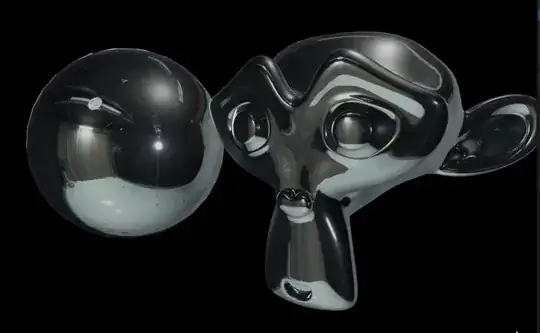
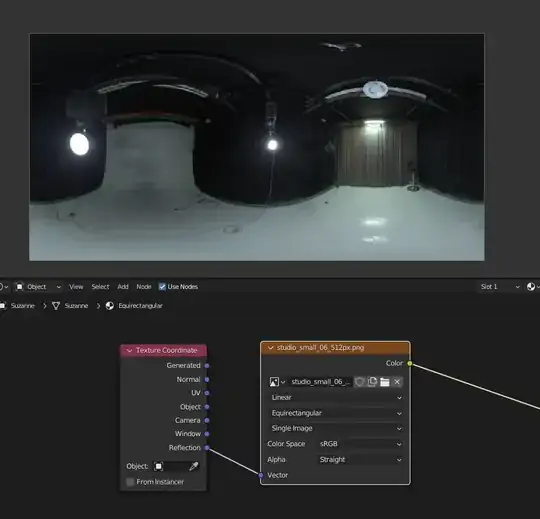
Converting a Cube map into an Equirectangular
First create a cube. In the UV Editing workspace, edit the Cube's UVs so that it fits your cubemap.
A simple way to do it is by selecting all your mesh, pressing U → Mark Seam → U → Unwrap. It will make all your UV's faces independant and same size. But because your cubemap is twice larger than high, so are your UVs. To fix it: select all UVs → S → 0.75 → ⏎ Enter.
Then you can select each face and place it where it belongs on the map. Feel free to enable snappings and Pixel coordinates to make things easier for you.
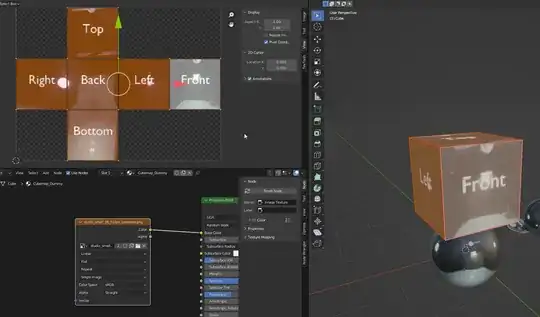
Then, add a Subdivision modifier level 4, followed by a Cast modifier with its Factor and Radius to 1.
 RMB the object in object mode and set it to shade smooth.
In the shader editor, make sure the texture is plugged into an Emission shader instead of the default principled shader. This will make sure we convert the map without any color change.
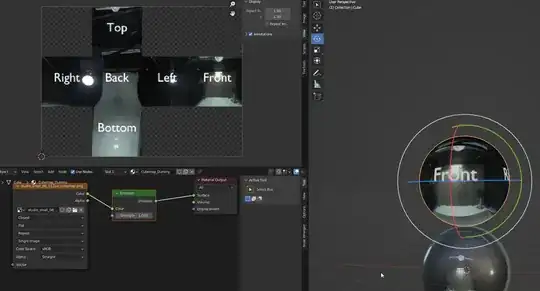
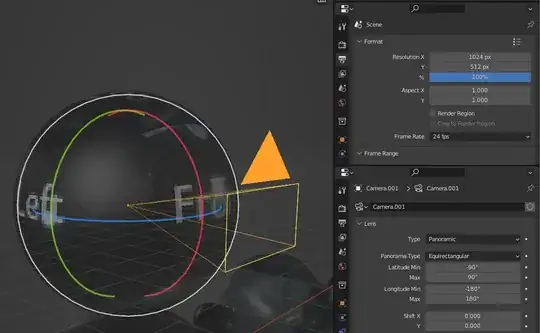
Then, place a camera at the center of the dummy cube, and make it face any side of the cube map to make sure the maps are somewhat aligned (I used the front one here).
In the Properties Editor → Camera tab → Lens panel, set the Type to Panoramic, and Panorama Type to Equirectangular.
In the Output tab, chose a resolution where X is twice Y. I set 1024 x 512.
Then you can simply render, which should give this result:
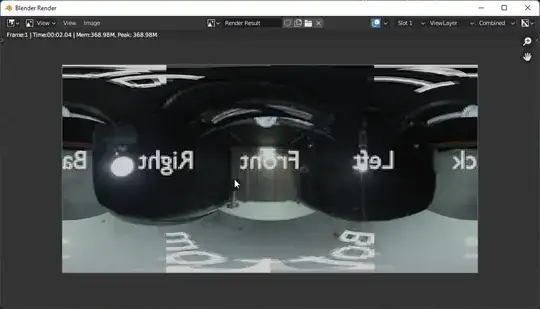
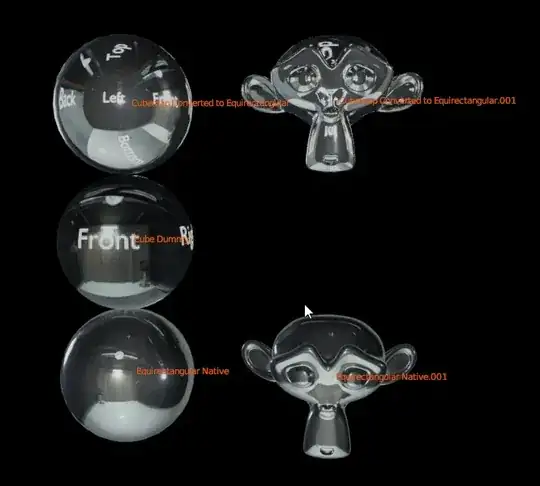
Save this map anywhere, and use it like a regular equirectangular map:
Bonus link:
Cube map Converter in Blender
Read the description, it basically renders whatever you have in the scene into a cube map. If you need for example to turn an equirectangular map, just set it up in your world's shader using an environment map and hide the default sphere object.


