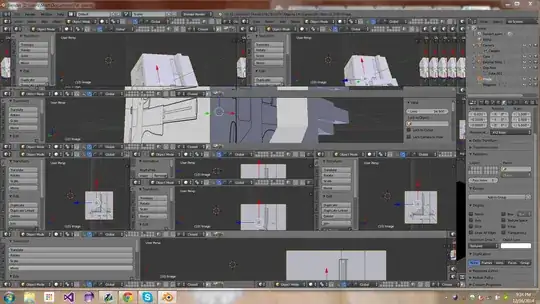
I have about 80 windows splits currently open, but I can't figure out why they wont close. I tried Googling. I read the documentation, but the little corner grabbers don't seem to work.
I have about 80 windows splits currently open, but I can't figure out why they wont close. I tried Googling. I read the documentation, but the little corner grabbers don't seem to work.

How to close view panels is well covered elsewhere. However in your particular case I would recommend clearing out the UI layout completely and starting from a clean setup.
To do this, save and re-open your .blend with Load UI disabled. You can disable Load UI persistently, by deselecting the option in ⎈ Ctrl⎇ AltU> User Preferences > File, or temporarily, by deselecting the option available while opening a .blend:

Also note that opening a .blend with Load UI disabled will keep the current layout, so to get back to the default you will have to load your startup .blend (⎈ CtrlN) first. Or if you want the default default, press File > Load factory settings before opening your .blend with Load UI disabled.
You can join windows very simply by right clicking on the edge between them
 Click on join windows
 Move the mouse to the side that you want merged
then click and it will have merged.


