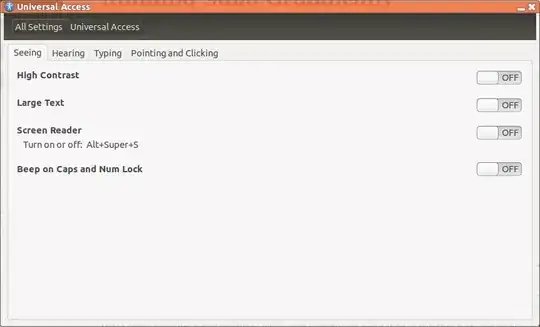
Orca keeps starting up after system starting, and I'm not able to find it in "Startup Applications".
How to stop it?
Orca keeps starting up after system starting, and I'm not able to find it in "Startup Applications".
How to stop it?
Run this in a terminal:
gksudo gedit /etc/xdg/autostart/orca-autostart.desktop
change NoDisplay=true to
NoDisplay=false
Save, then open up Startup Applications and disable the entry for Orca.


Use Ctrl + S to disable Orca. It will stop and won't bother you at next logon.


Try deleting orca-autostart.desktop from /etc/xdg/autostart. Run:
sudo rm /etc/xdg/autostart/orca-autostart