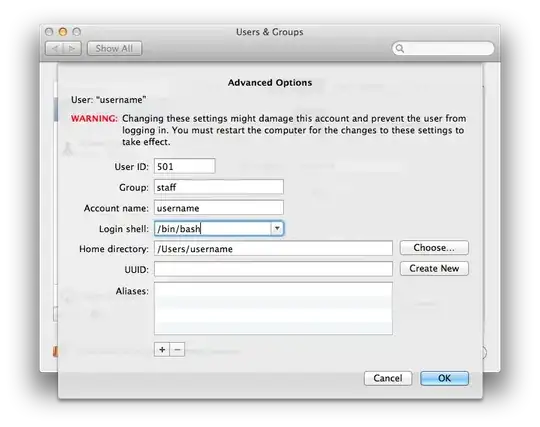
I don't know if this will populate in the terminal / advanced user account locations, but "The Way This Has Worked For Years"™ in Linux-land is that you must update /etc/shells with the path to the shell location, and then use chsh -s /usr/local/bin/bash username to use it.
Simply running chsh without modification to /etc/shells should cause an error indicating you've chosen an invalid shell, in case you're curious.
/etc/shells is a root-owned file, so you must use sudo in tandem with an editor in order to modify it. I hope you're comfortable doing that, else I would highly advise against trying out a non-default shell :).
Summary (steps):
brew install bash, thensudo vi /etc/shells and add /usr/local/bin/bash to the list, thenchsh -s /usr/local/bin/bash [your_username] and restart your terminal in order for your changes to take place