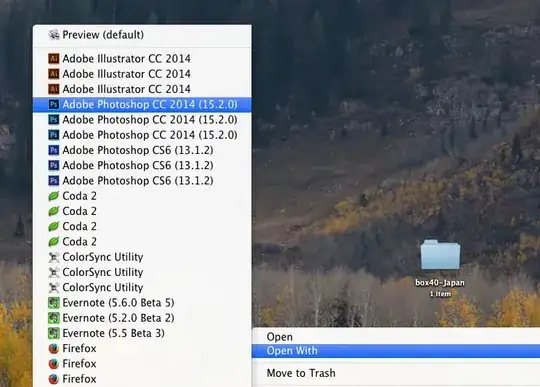
To expand on the answers provided by grgarside and Buscar, you can make it slightly less of a pain by defining an alias in your .bashrc script. To do that, open Terminal.app and with you favourite text editor (vi, nano, emacs if you're so inclined) edit .bashrc to add the following line at the very end:
alias rmdup="/System/Library/Frameworks/CoreServices.framework/Frameworks/LaunchServices.framework/Support/lsregister -kill -r -domain local -domain user; killall Finder"
Note, that the rmdup is just an alias name I've chosen to easily remember the command later (it's meant to expand to 'remove duplicates'). You can choose any other alias name you like, just be careful you don't use a name already used for another command.
After having changed your .bashrc, when you notice duplicate applications again, you can just open Terminal.app and type rmdup or whichever other name you chose, instead of the full path to the lsregister command with all its arguments, etc.